


Connect once. Every trade arrives on its own.
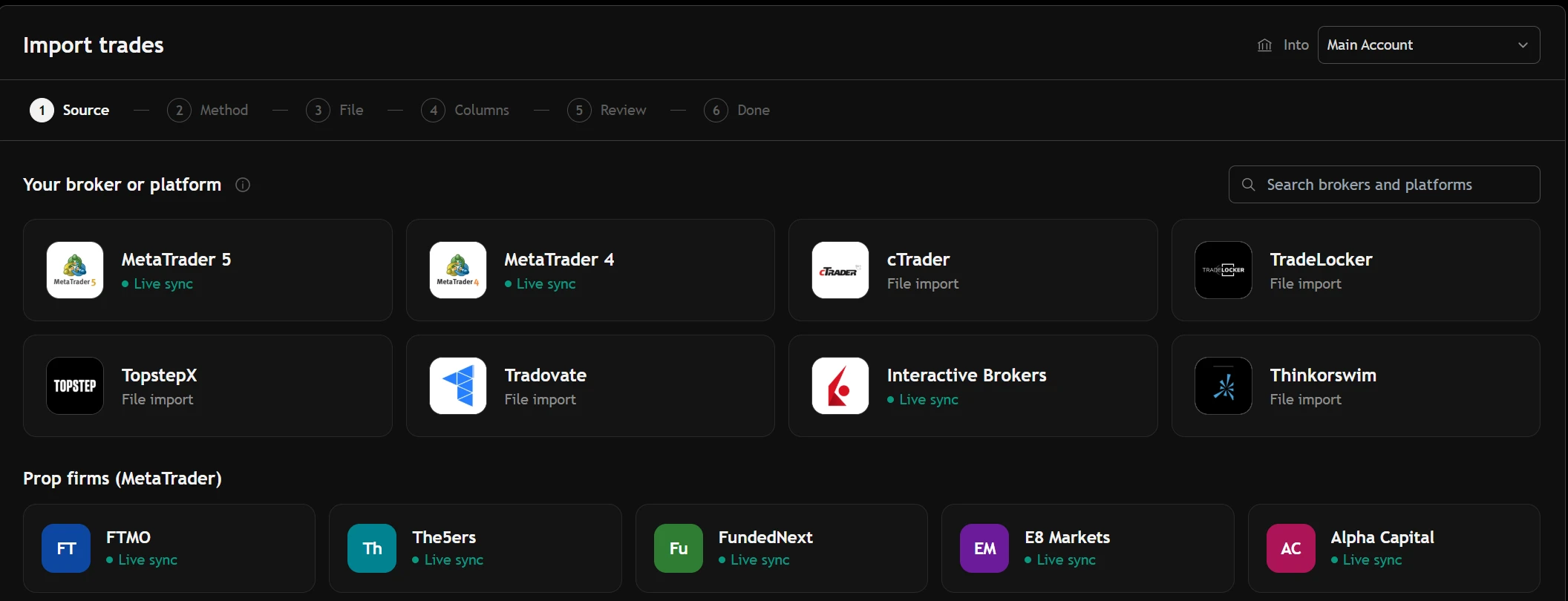
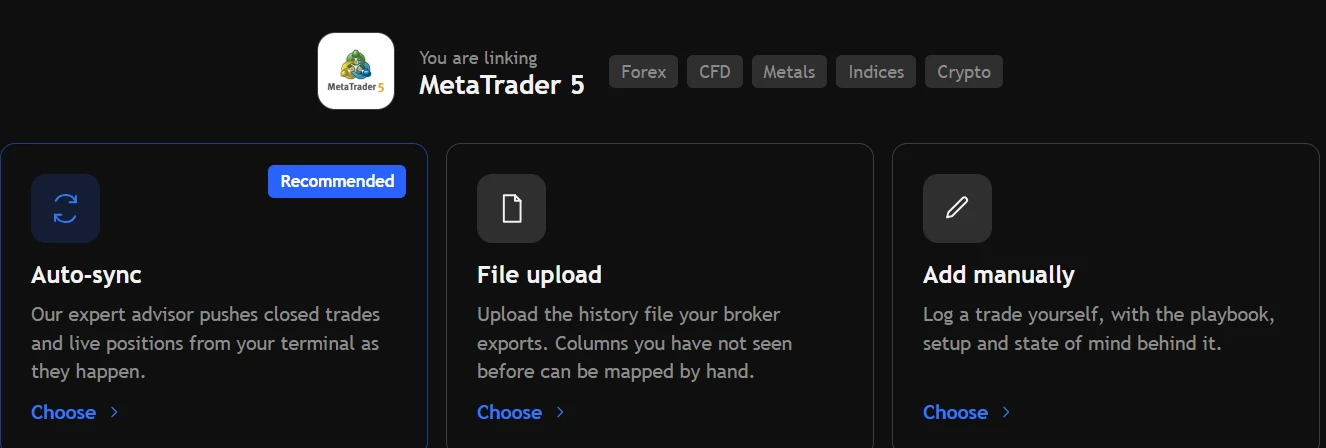
A small expert advisor in your MetaTrader 4 or 5 sends each closed trade as it closes — read-only, free, with any of 430+ MetaTrader brokers. Interactive Brokers connects with a read-only Flex token. Everything else imports from a statement.
Five minutes of setup, then nothing to do ever again.
Download the expert advisor, copy it into MetaTrader, compile it, allow its address, and drop it on any chart with your key. From then on every closed trade — entry, exit, size, stop, commission and swap — arrives on its own.
- The source code is yours to read before you run it.
- The app shows when the terminal last checked in, and warns if it goes quiet.
- Deleted a trade by mistake? Ask the terminal to send the history again; nothing doubles.
A Flex token that can read and do nothing else.
Create an Activity Flex Query in the IBKR portal, then a Flex Web Service token, and paste both in. The token fetches reports; it cannot place, change or cancel an order, and it cannot move money.
A statement from 40+ platforms, checked before it's saved.
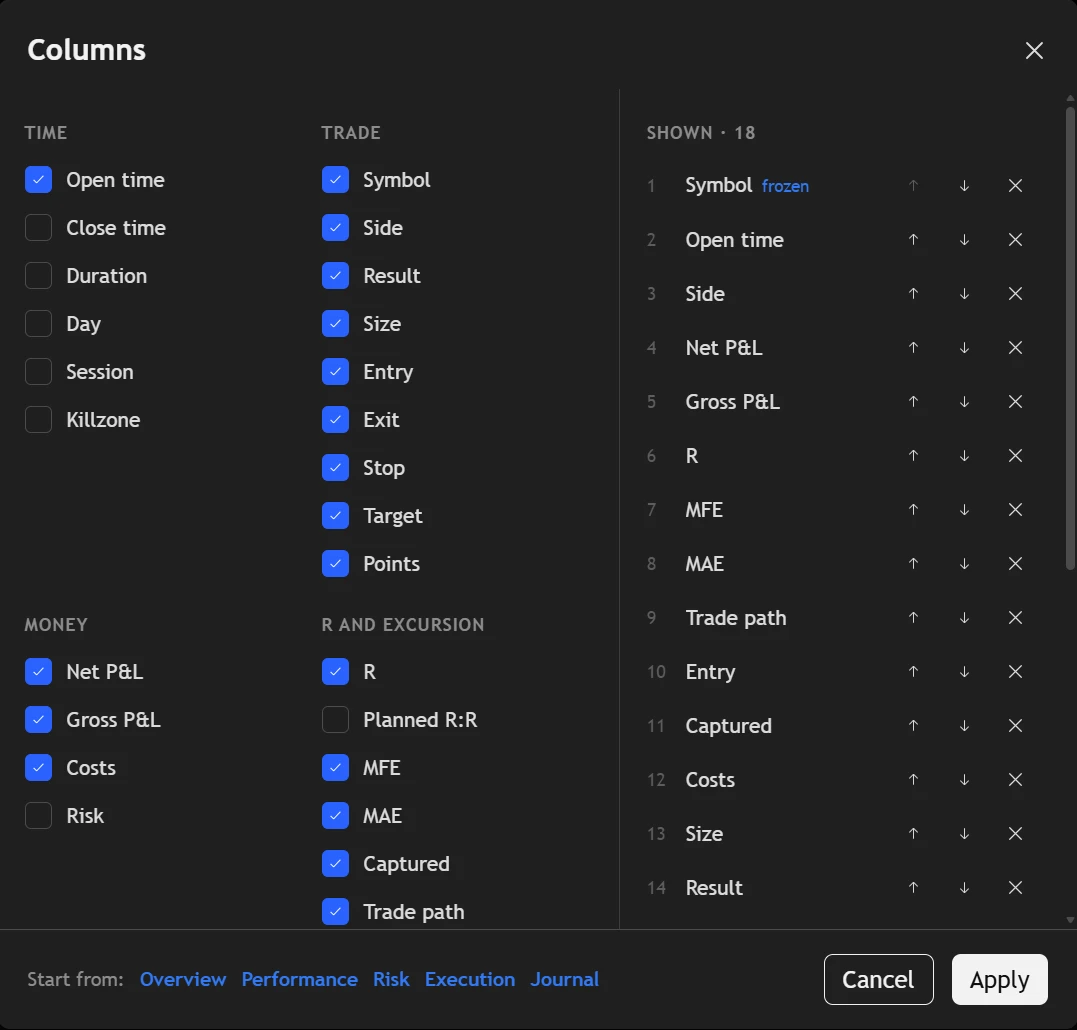
CSV, HTML or XML. MetaTrader's own HTML report is read as it is; anything else has its columns matched to the journal's, shown with real values from your file.
- Every row checked before import; trades already in the journal are left unticked.
- Shift the times if your broker's server clock differs from yours.
- The file is read on your device; nothing is uploaded until you press Import.
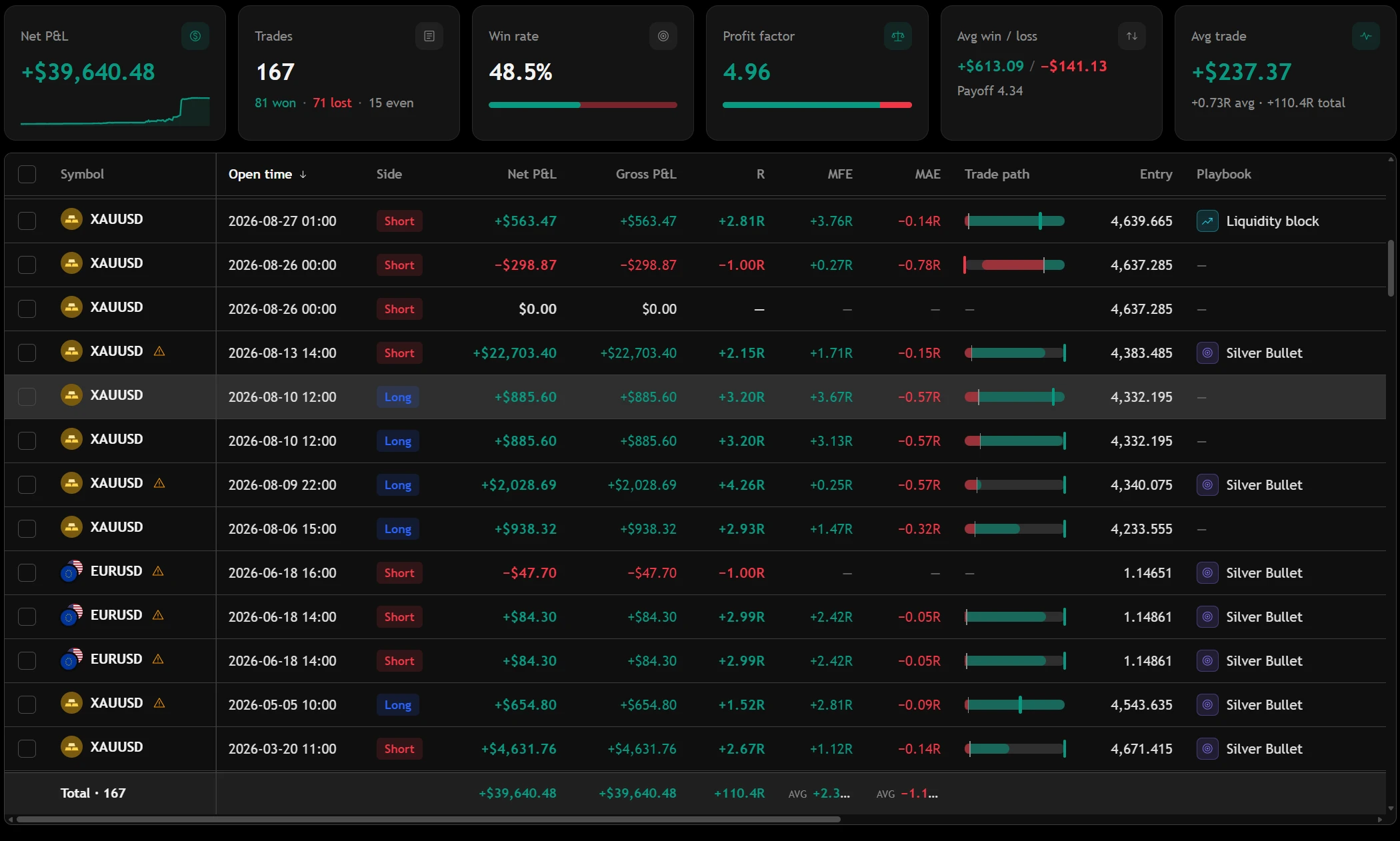
It sends your history. It can't touch your account.
About sync.
Can the connection place trades on my account?
No. The connection is read-only: it sees your history and open positions and cannot place, change or close an order. Your broker password is never stored on our side.
Do I need to keep MetaTrader open?
Yes — the expert advisor runs inside the terminal, so trades are sent while MetaTrader is open. If something was missed, ask it to send the whole history again; trades already in the journal are not doubled.
My broker isn't on the list.
If it runs MetaTrader 4 or 5, the expert advisor works with it whatever its name. If not, export a statement and import it.
Where the trades go next.
Your next trade deserves a reason.
Bring in your history and see what it says — free, in a few minutes.
Create your free accountAnswers to what traders ask us most — and a ticket to a person when they aren't enough.
Open helpsupport@tradeassay.com — read by the people who build the app.
Send an emailLong reads on sample size, R and prop-firm rules, each with a calculator.
Start reading