


Bring your indicators. Test them on the past.
Paste the Pine Script® of an indicator you use, or pick one of 27 built-ins. Set its inputs, colours and pane, then trade the past bar by bar with it on the chart — in as many backtest sessions as you like.
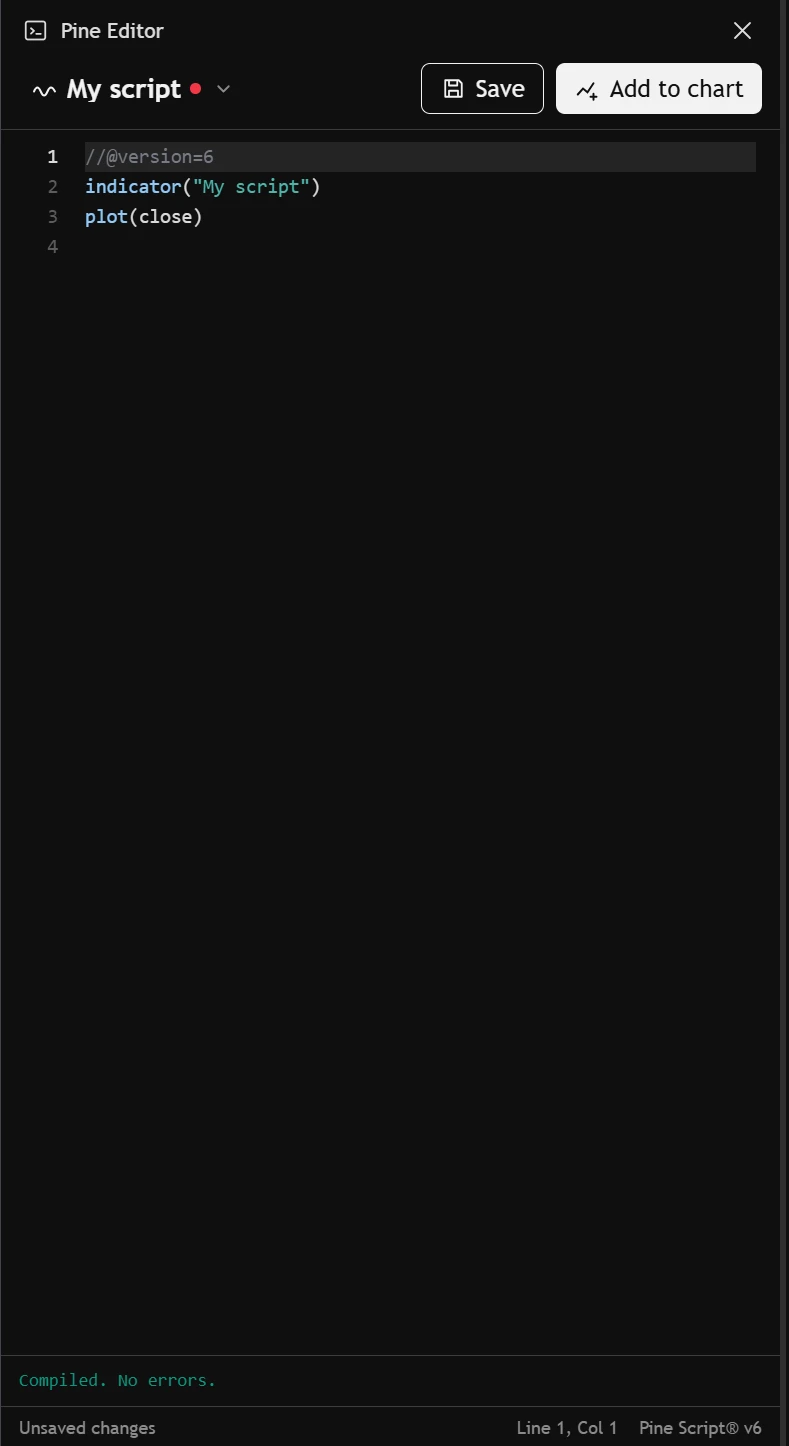
Paste it, add it to the chart.
The Pine editor sits beside the chart. Paste the code of an indicator — your own, or one you found — press Add to chart, and it draws on the bars you're trading.
- Pine Script® v5 and v6 indicators, pasted as they are.
- A script that won't run tells you why, and on which line.
- Edit it and press Update on chart: the chart redraws at once.
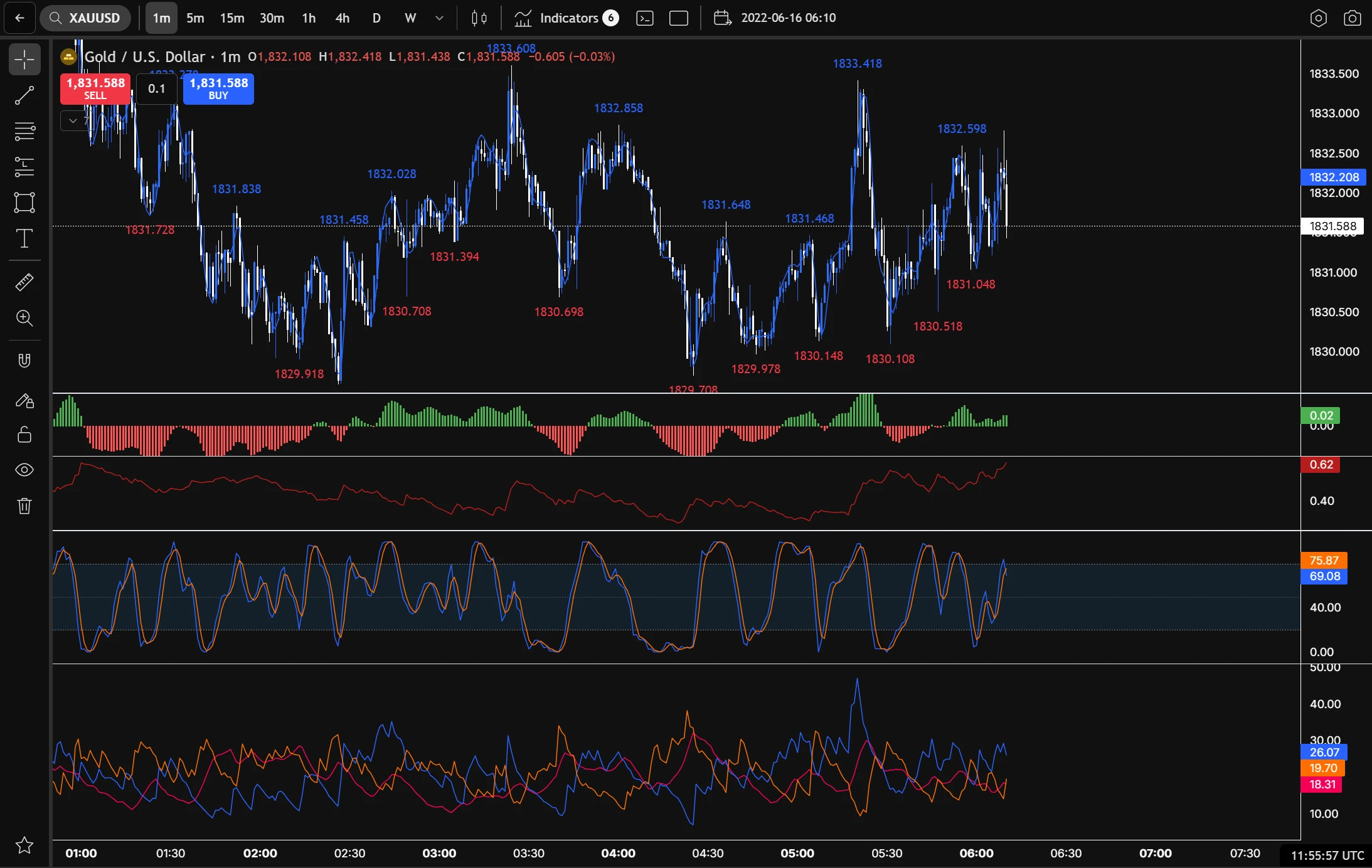
27 indicators ready, every setting in reach.
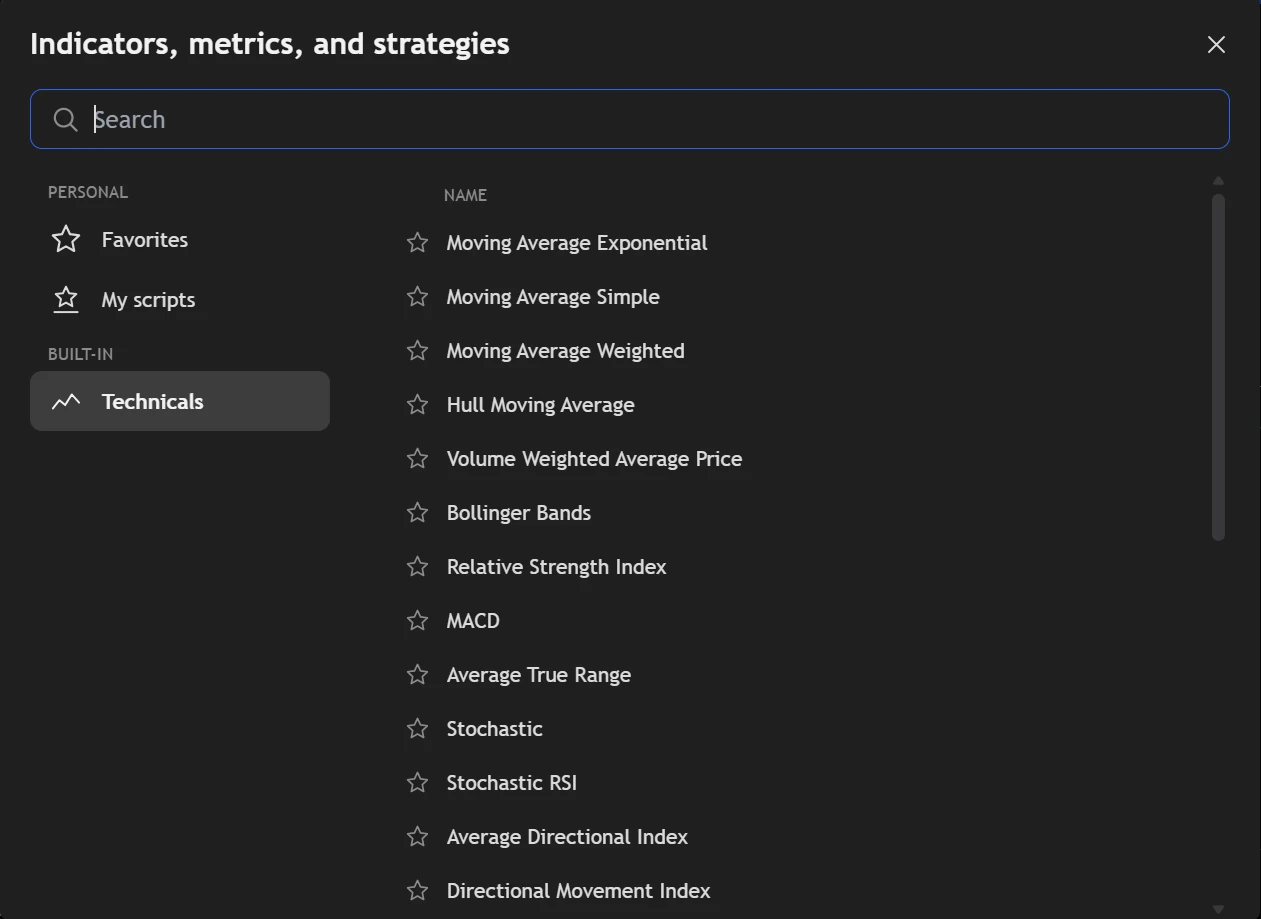
Moving averages, RSI, MACD, Bollinger Bands, Ichimoku, Supertrend, VWAP and more are one search away. Each opens with the settings a trader expects.
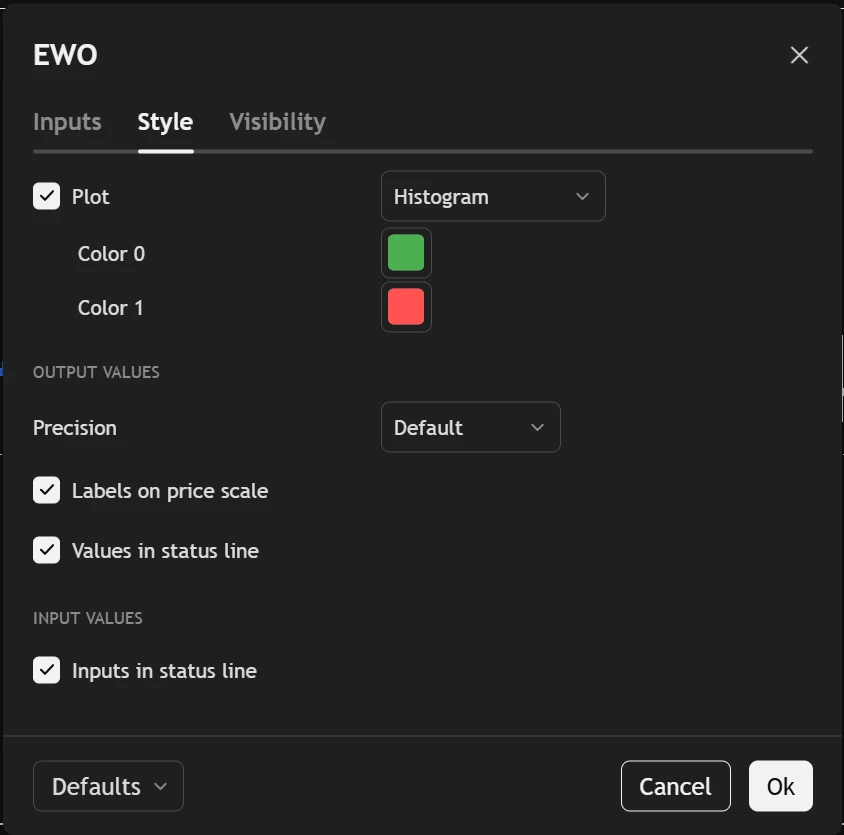
- Inputs, Style and Visibility, changed live on the chart.
- On the price or in a pane of its own, with its values on the scale.
- Your own defaults kept for next time.
It never sees the future.
In a backtest, an indicator is worked out bar by bar as the replay moves forward — the way it would have looked on the day, not the way it looks now.
- The bar that's still forming is recalculated as it forms.
- Higher timeframes are built only from bars that have closed.
- Several charts and timeframes side by side, each with its own scripts.
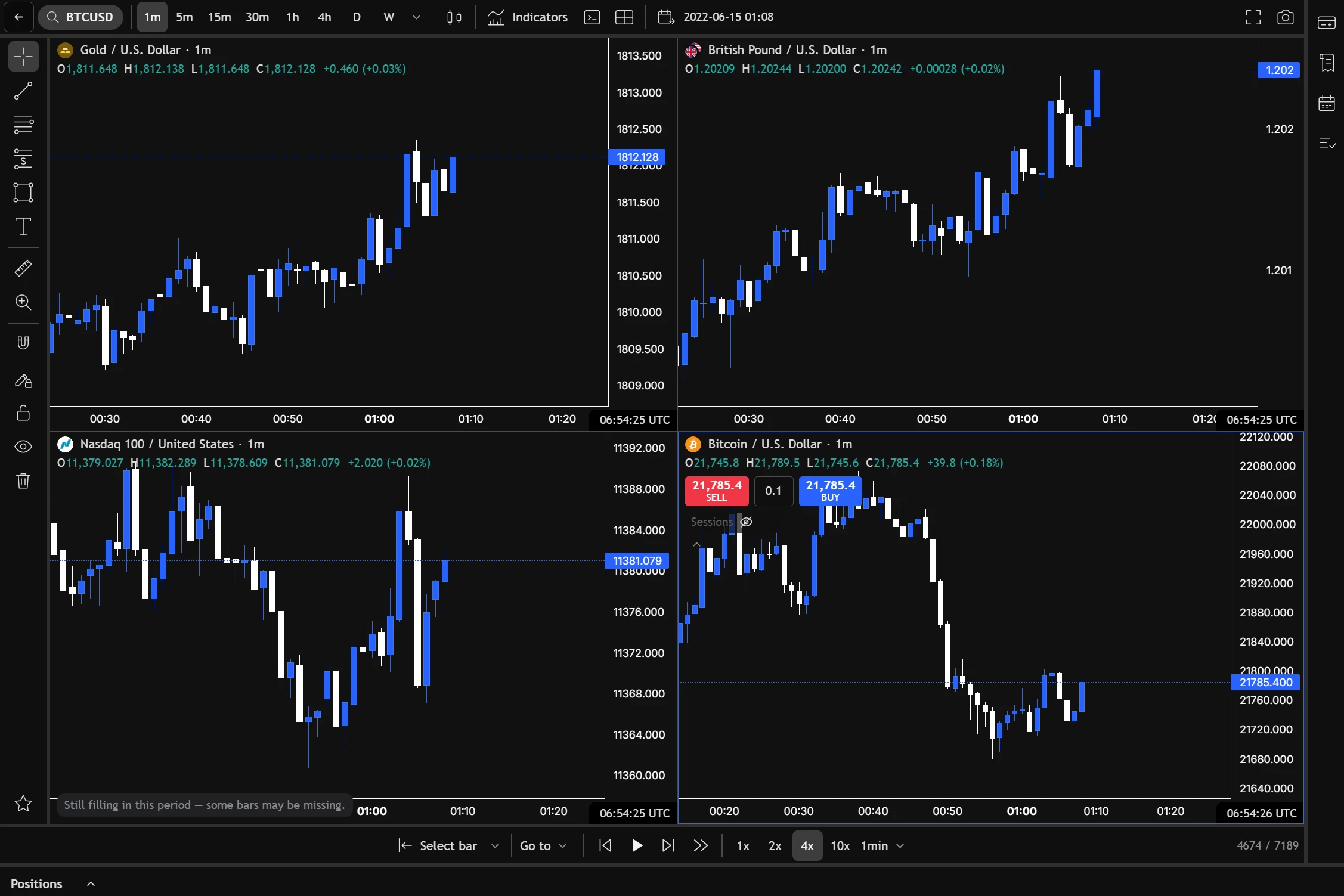
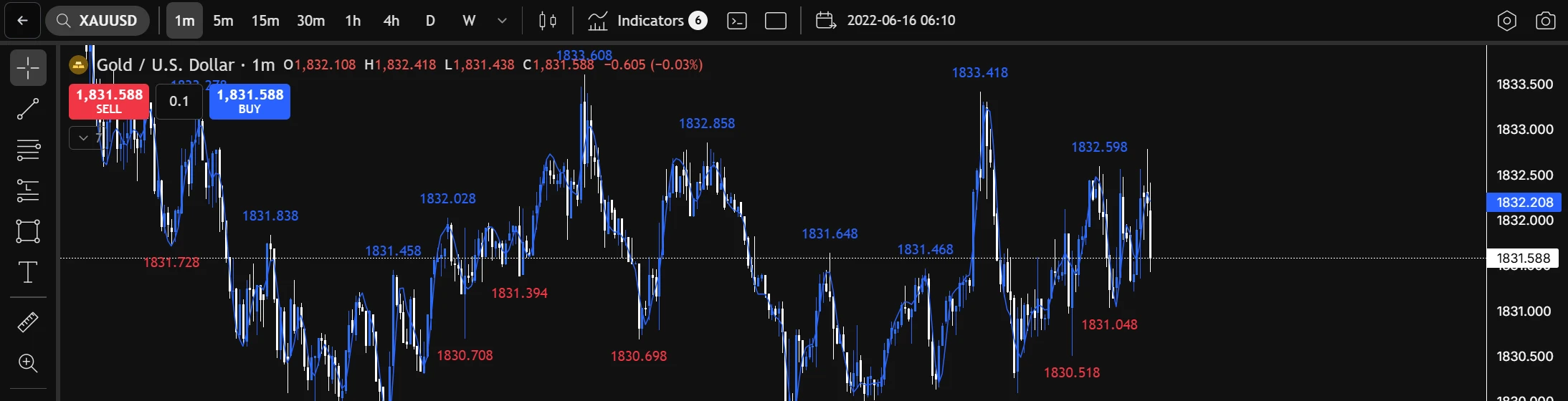
The indicators you trust, on the history you test.
About scripts.
Will my TradingView indicator work?
Most indicator scripts written in Pine Script® v5 or v6 run as they are. Strategy scripts — the ones that start with strategy( — aren't supported yet, and neither are a few newer features: matrices, enums and lower-timeframe requests. If a script uses one, the editor tells you which line.
Where can I use my scripts?
On the backtester's charts, and on Trade Charts beside your own trades. Both are part of Pro.
Can an indicator see bars that haven't happened yet in a backtest?
No. It is worked out bar by bar as the replay moves. The bar that's still forming is recalculated as it forms, and higher timeframes are built only from bars that have closed.
Is this TradingView's Pine Script®?
The language is. Pine Script® is a trademark of TradingView, Inc. TradeAssay runs indicator scripts with its own engine and is not affiliated with TradingView.
Where the trades go next.
Your next trade deserves a reason.
Bring in your history and see what it says — free, in a few minutes.
Create your free accountAnswers to what traders ask us most — and a ticket to a person when they aren't enough.
Open helpsupport@tradeassay.com — read by the people who build the app.
Send an emailLong reads on sample size, R and prop-firm rules, each with a calculator.
Start reading