


Every trade, in one log that fills itself.
Connect MetaTrader or Interactive Brokers once, or drop in a statement from any of 40+ platforms. Every trade lands with its entry, exit, size, fees and swap — then sorts, filters and groups any way you ask.
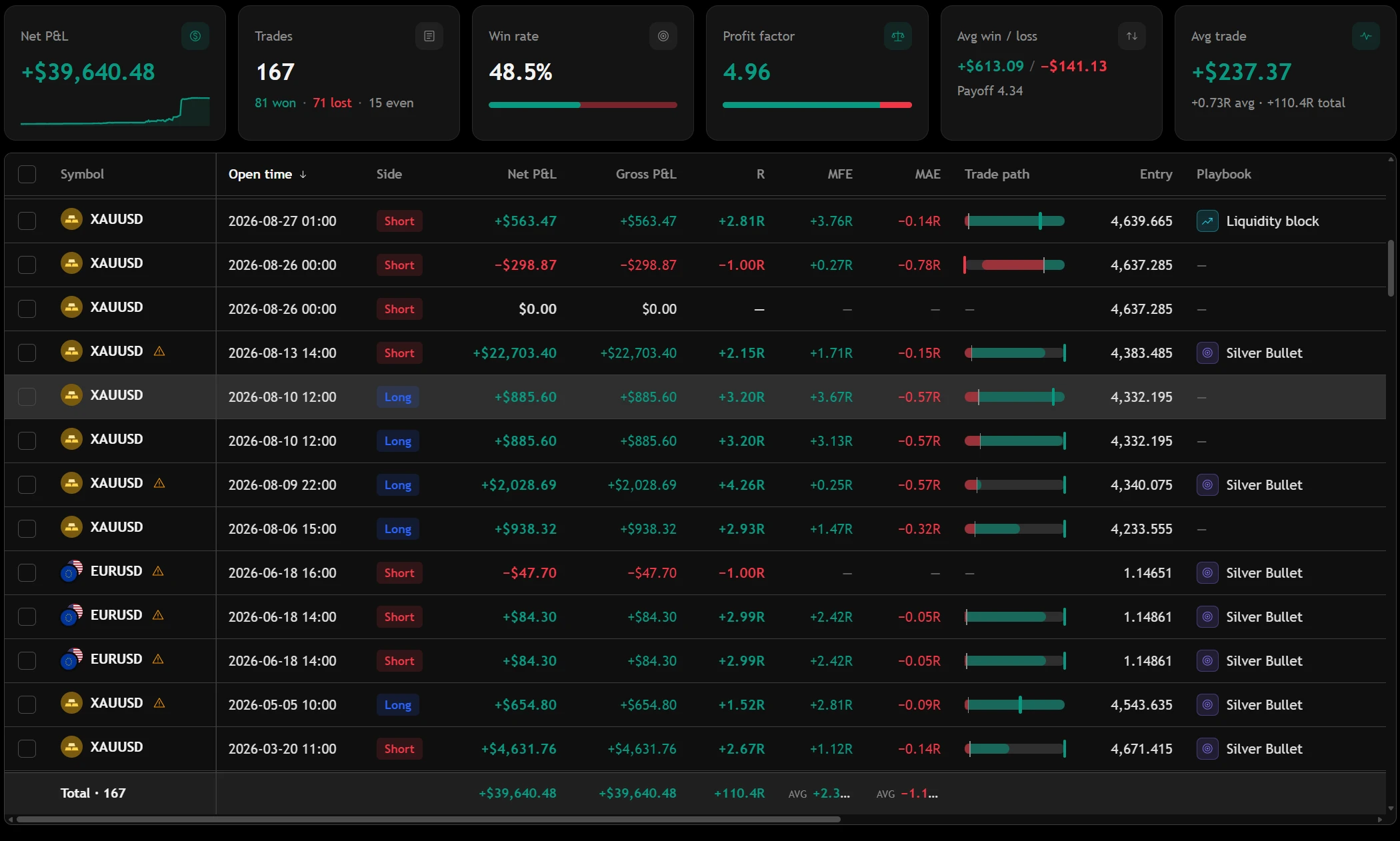
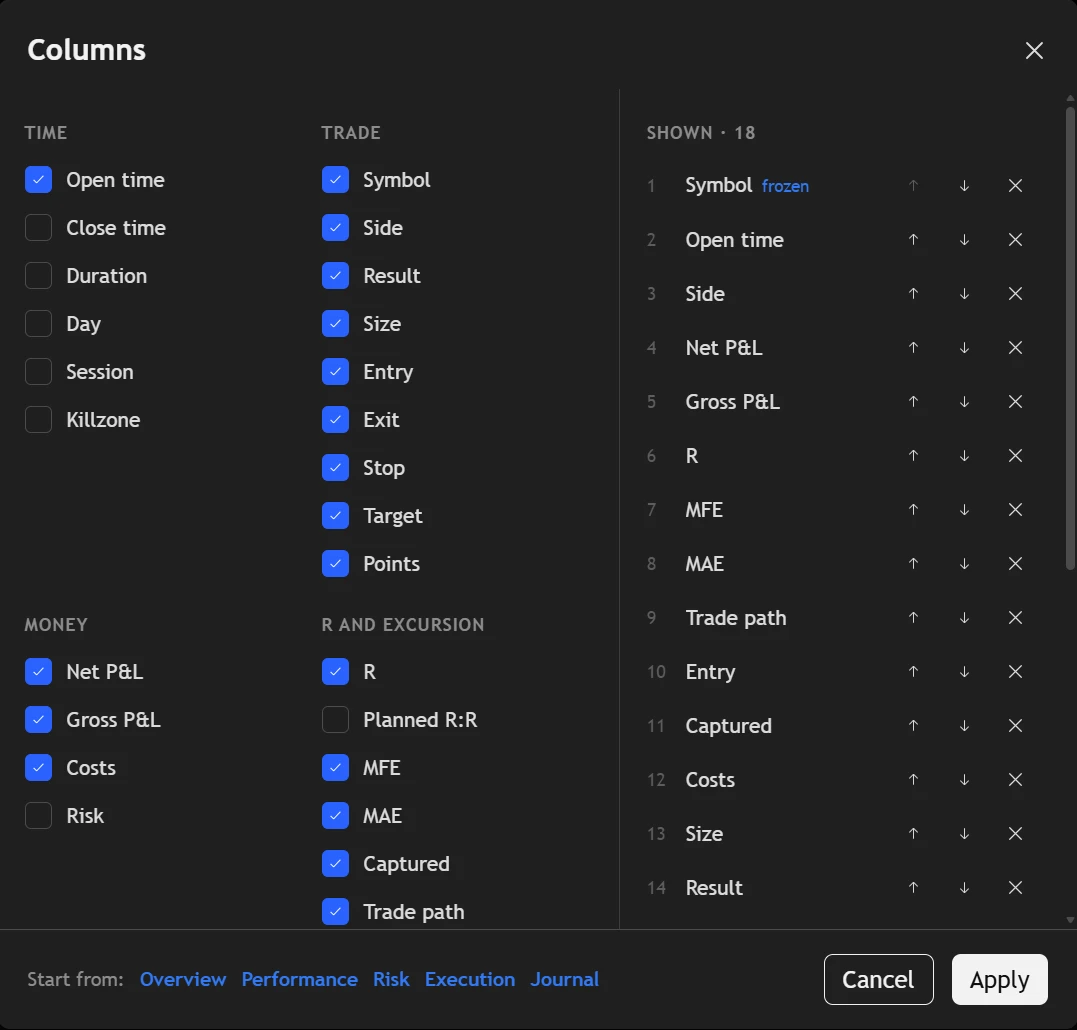

Three ways in. None of them is typing.
The journal is only as honest as what goes into it, so we made the honest way the easy one.
- Sync. A small expert advisor in MetaTrader 4 or 5, or a read-only Flex token at IBKR, sends each closed trade the moment it closes.
- Import. A CSV, HTML or XML statement from 40+ platforms. Columns are guessed from the real values, and trades already in the journal are left unticked.
- Screenshot. Give the AI a picture of the chart and it fills in the trade for you to check.
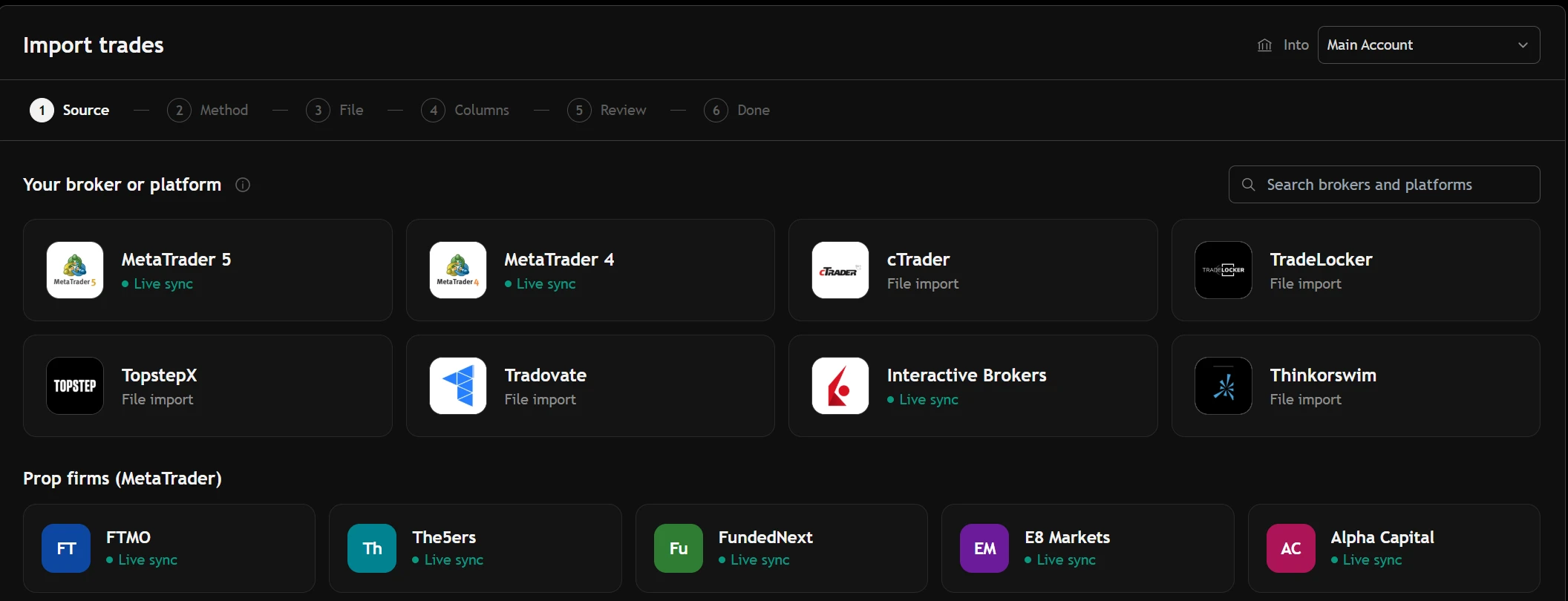
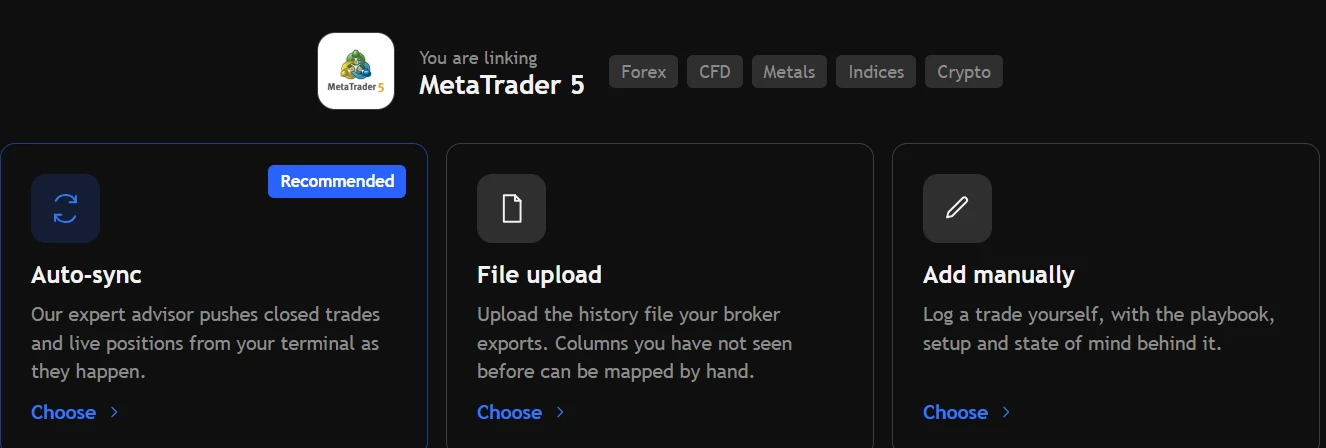
A view for each question you ask.
Overview, performance, risk, execution and journal views, each a different set of columns over the same trades. Your own view saves with one click.
- Filters stack in one row: side, result, symbol, playbook, session, weekday, tag, journal gaps.
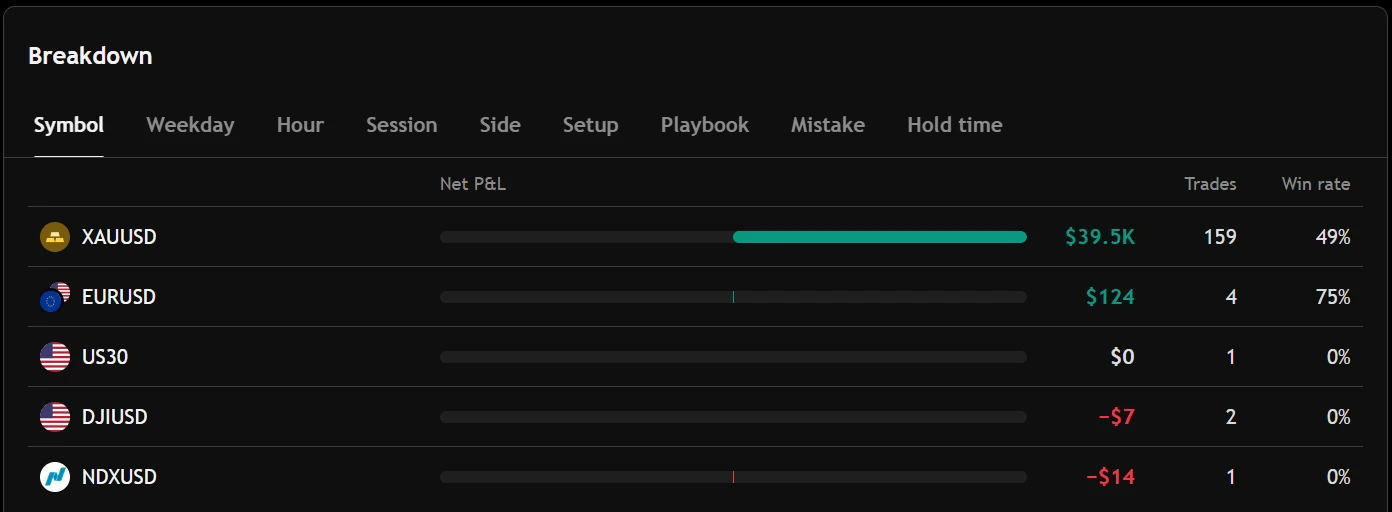
- Group by symbol, playbook, session or day, and every group carries its own totals.
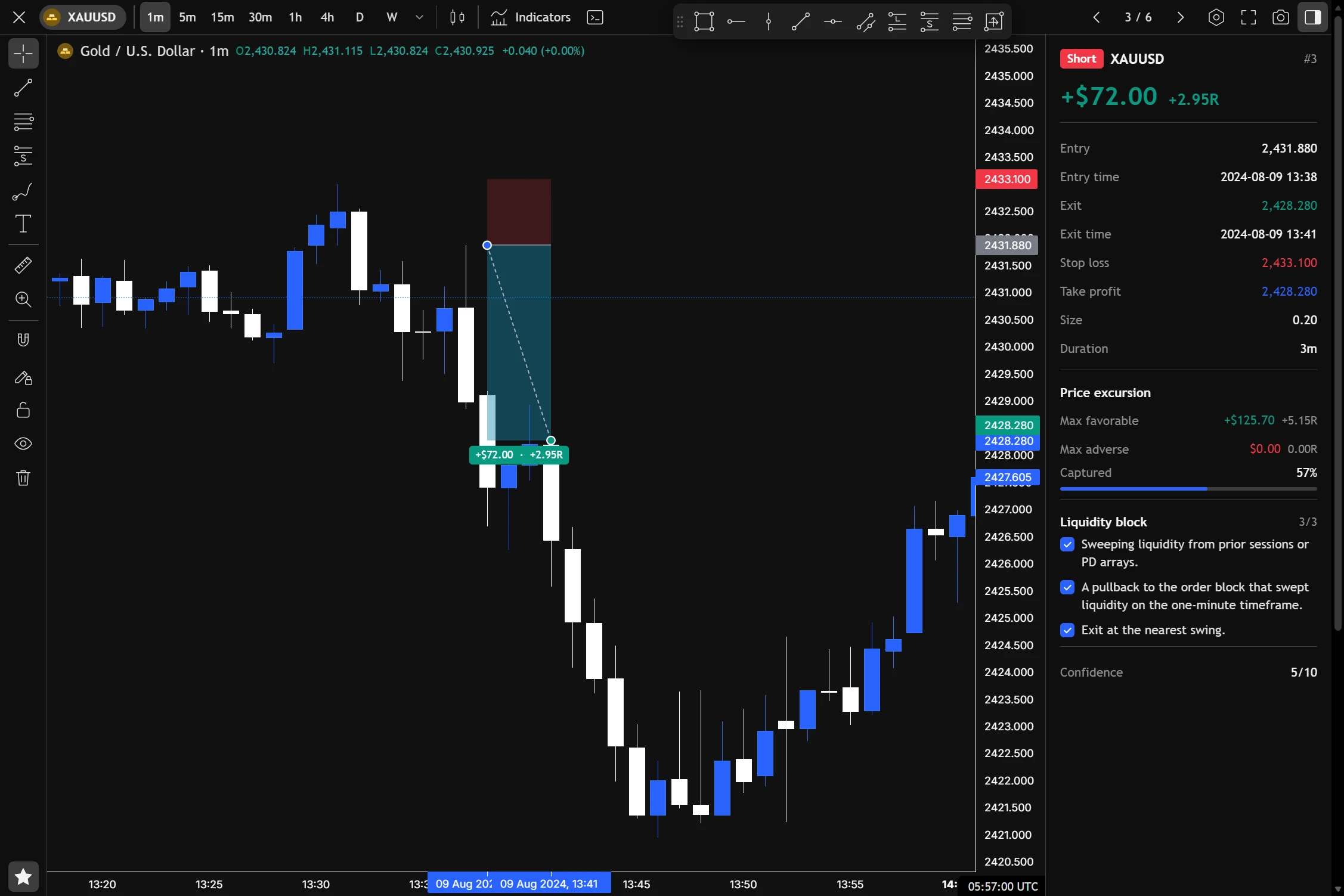
- Open a trade beside the list — prices, excursion, playbook criteria, notes — and step to the next one without closing it.
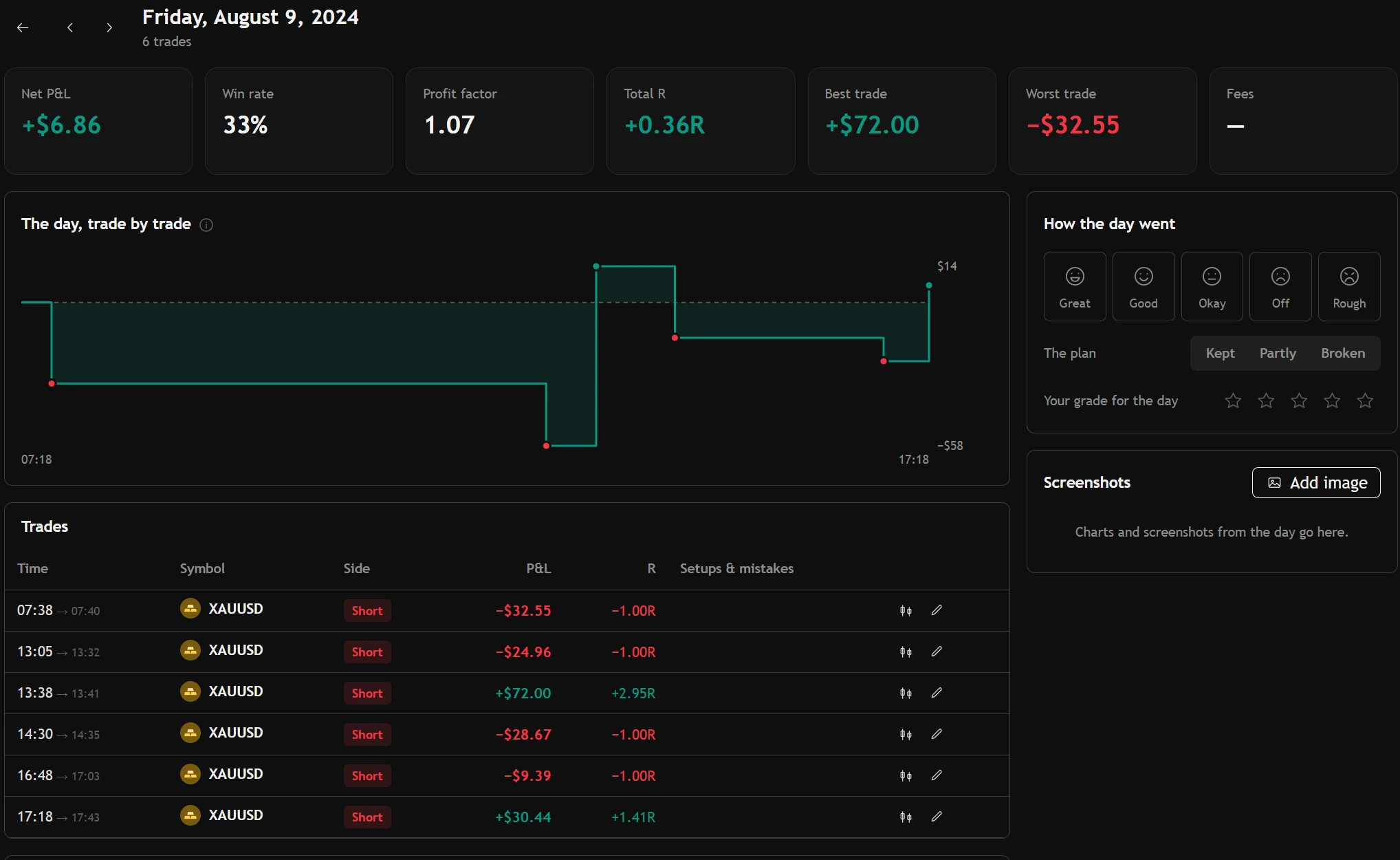
Every trading day gets a page.
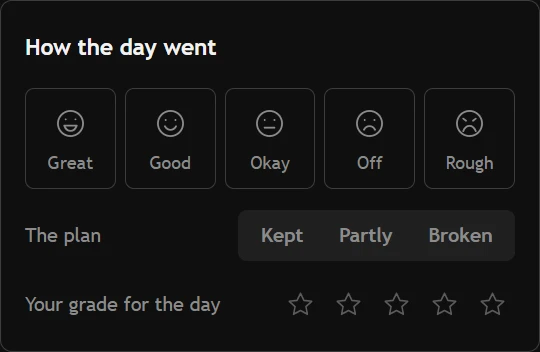
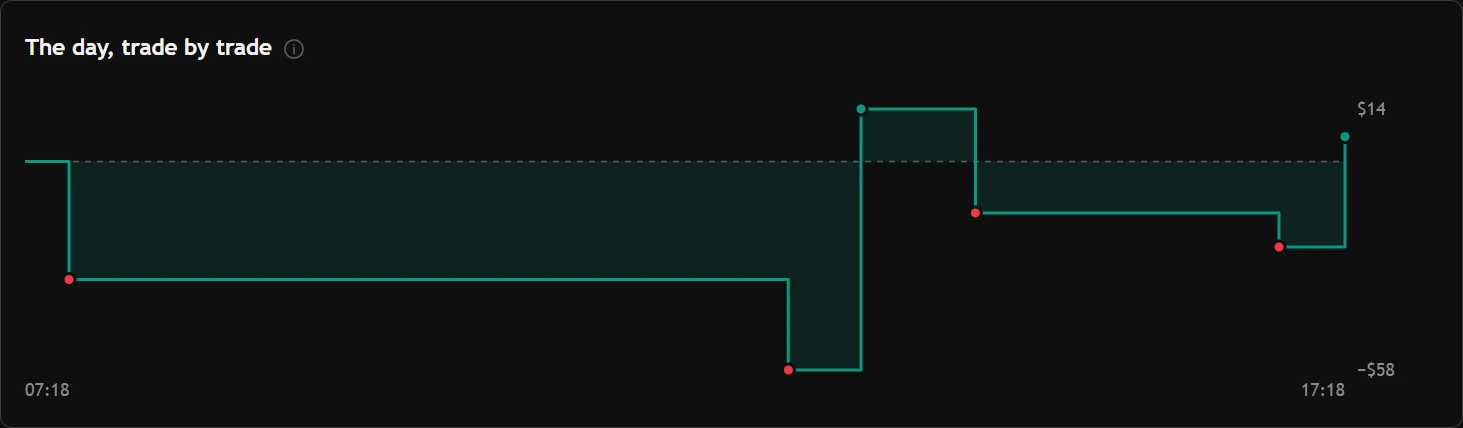
The day's P&L curve trade by trade, how the day went, whether the plan held, your grade, screenshots and a recap — written from a template or from scratch.
- Write the day's plan before the open; it waits on the day's page.
- Folders for day pages, trade notes and session recaps.
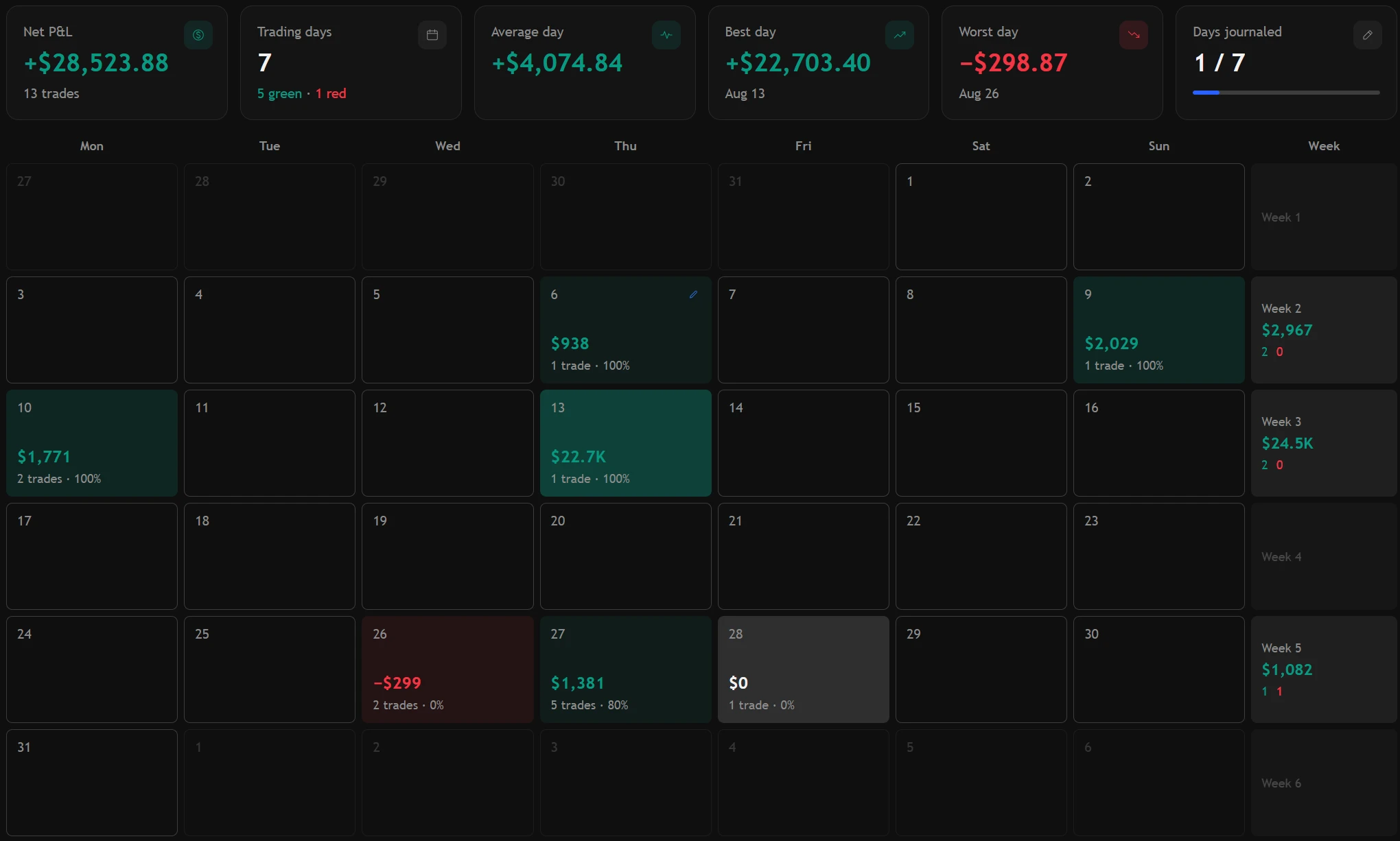
The month, coloured by money.
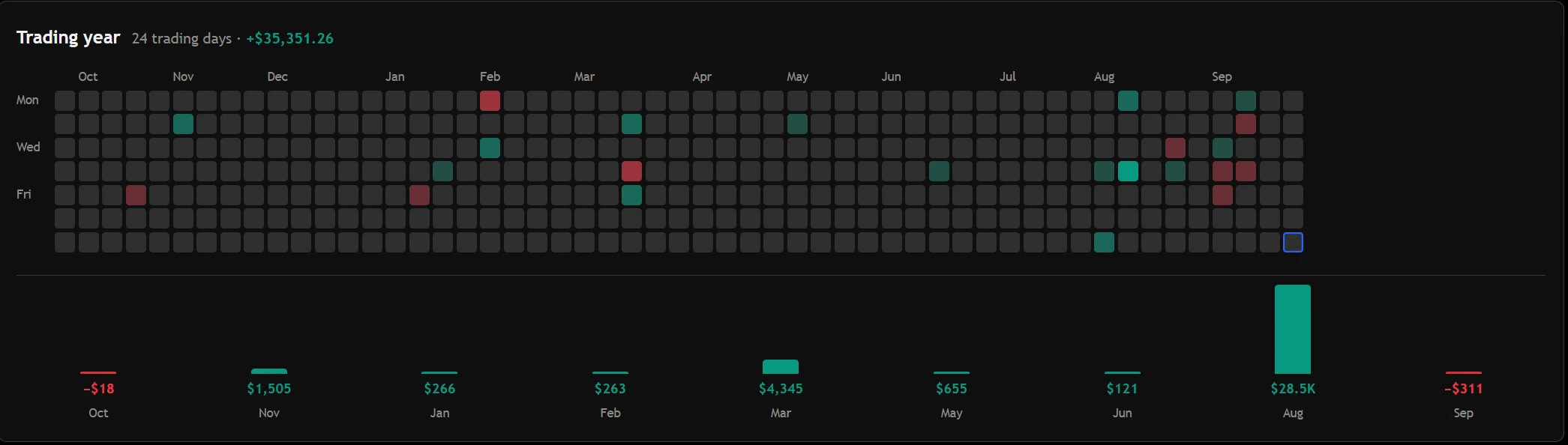
Green and red days with their totals, the week in the margin, and how many trading days you actually wrote about. A year view shows every month side by side.
The things a spreadsheet gets wrong.
About the journal.
Do I have to type my trades in?
No. Sync MetaTrader 4, MetaTrader 5 or Interactive Brokers, import a statement, or give the AI a screenshot. You can also type a trade in by hand when you want to.
My broker isn't on the list. Can I still use it?
Almost certainly. If your platform exports a CSV, HTML or XML statement, it imports — the columns are matched to the journal's fields, and you check the rows before anything is saved.
Can I keep more than one account?
Yes, as many as you like, on the free plan too. Each has its own balance, time zone and statistics, and practice accounts never mix with live ones.
Where the trades go next.
Your next trade deserves a reason.
Bring in your history and see what it says — free, in a few minutes.
Create your free accountAnswers to what traders ask us most — and a ticket to a person when they aren't enough.
Open helpsupport@tradeassay.com — read by the people who build the app.
Send an emailLong reads on sample size, R and prop-firm rules, each with a calculator.
Start reading